The whole class joins in
Share a room code and let students join from their own devices. Host live quizzes and multiplayer games, or bring everyone together around one classroom screen.
Explore live classroom gamesGet the class playing, keep practice moving, and see how students are progressing—all from the same lesson content.
Use a ready-to-run routine for a short vocabulary review or a whole-class game on one shared screen.
Share a room code and let students join from their own devices. Host live quizzes and multiplayer games, or bring everyone together around one classroom screen.
Explore live classroom gamesUse the same deck for homework and spaced repetition. Review timing adapts to each student’s answers, bringing difficult cards back sooner.
Turn recorded practice and lesson activity into student or class reports. See what has been covered and where students need support, without compiling results by hand.
Explore ready-made public decks for English, Chinese, Spanish, French, and Japanese. Preview the cards, make a copy, and adapt them to your lesson.
Browse ready-made decksSwitch the interface to the language that works for you and your students.
Turn recall into a race, a challenge, or a team game. Choose a format that suits your class and keep your own questions at the center.
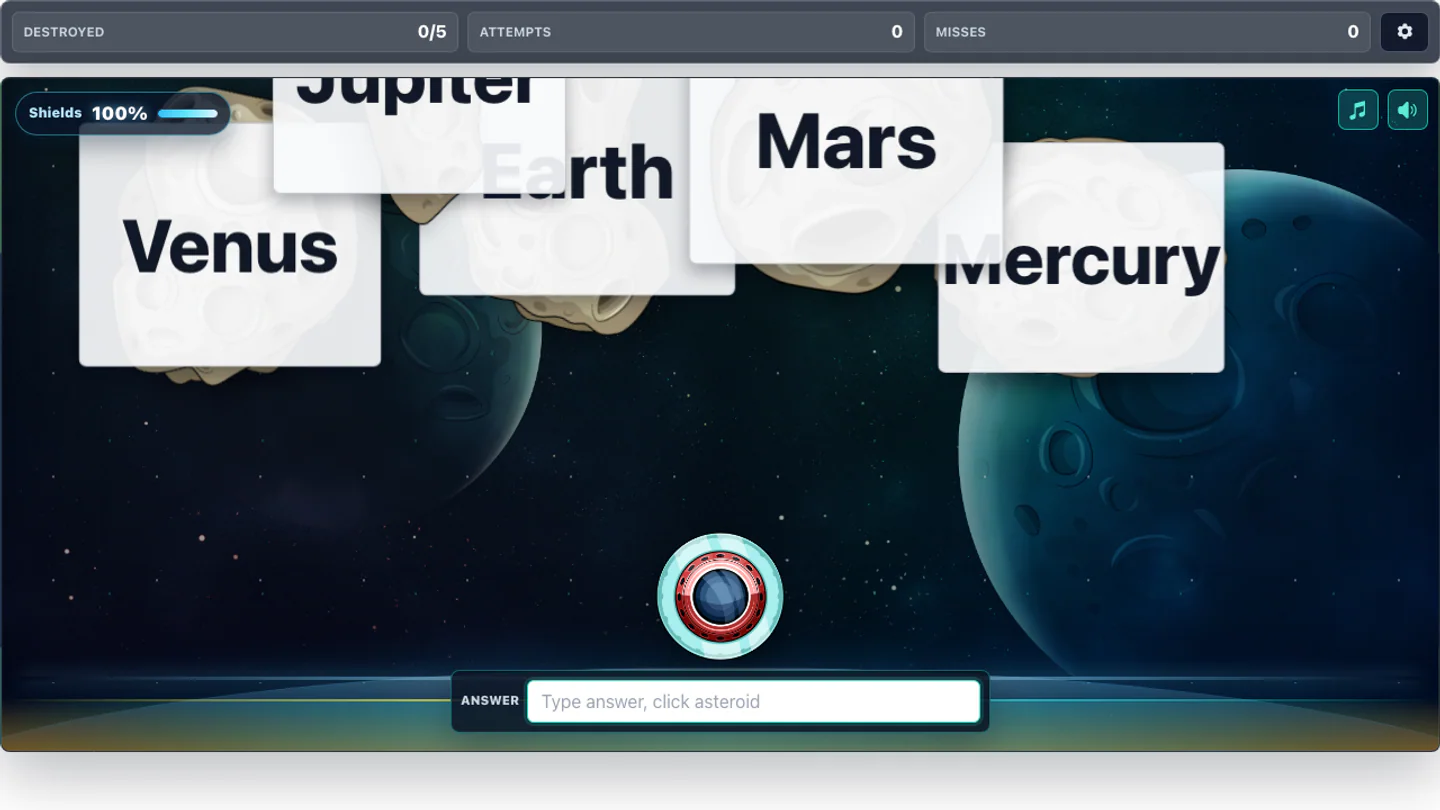
Typing and recall
Type the matching answer before the cards crowd the screen.
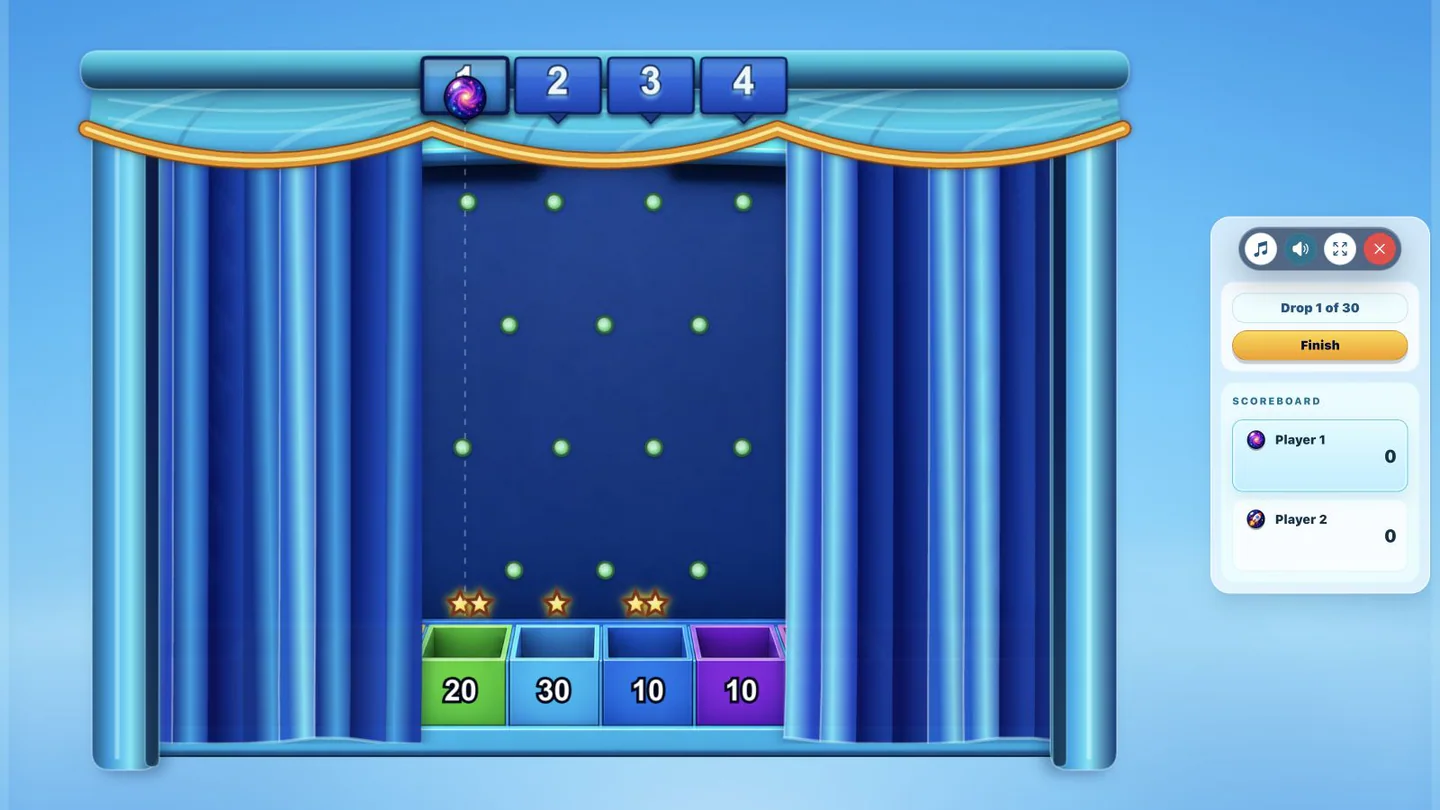
Arcade practice
Answer from the deck, then drop a puck to turn recall into a quick class challenge.
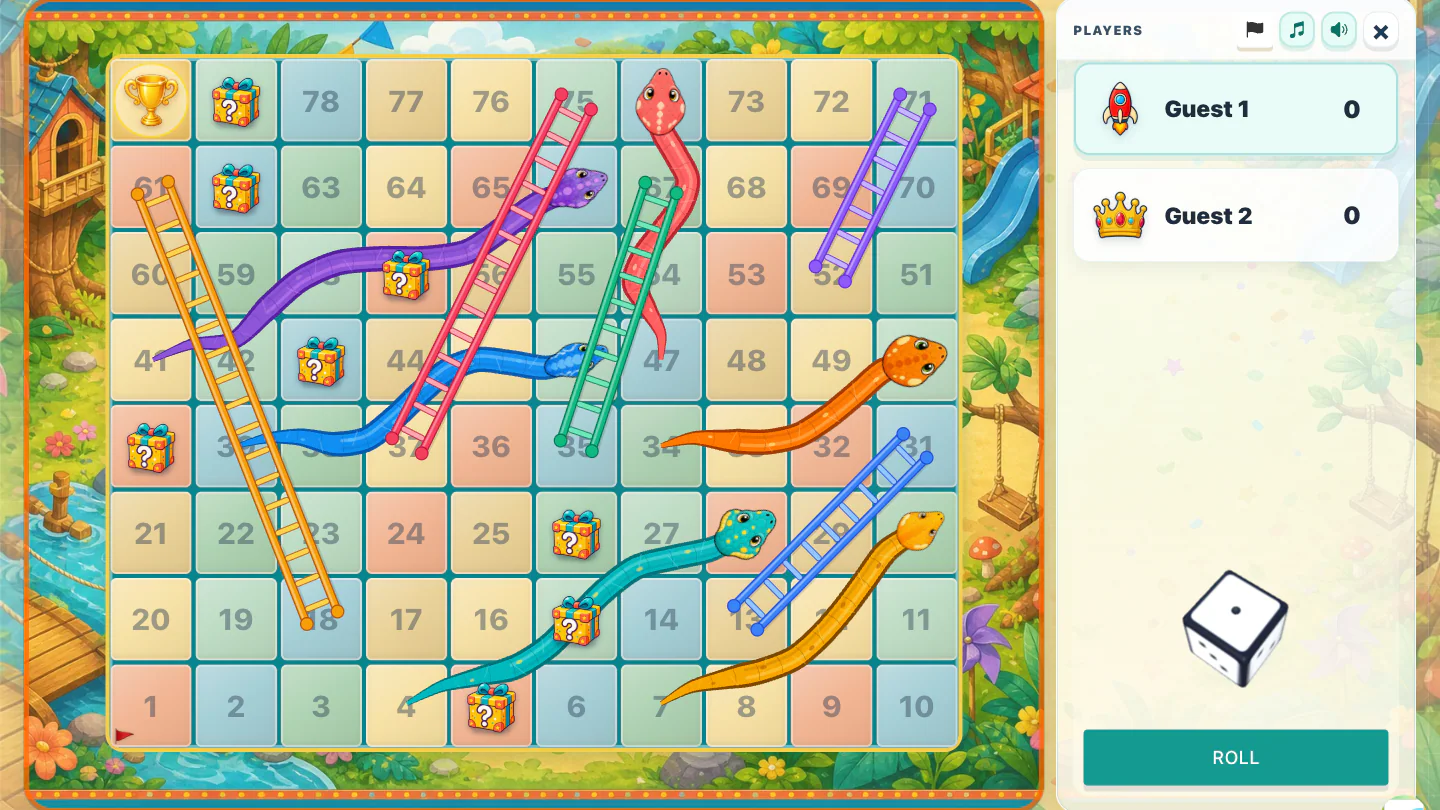
Turn-taking game
Move around a familiar board while the deck supplies the learning questions.
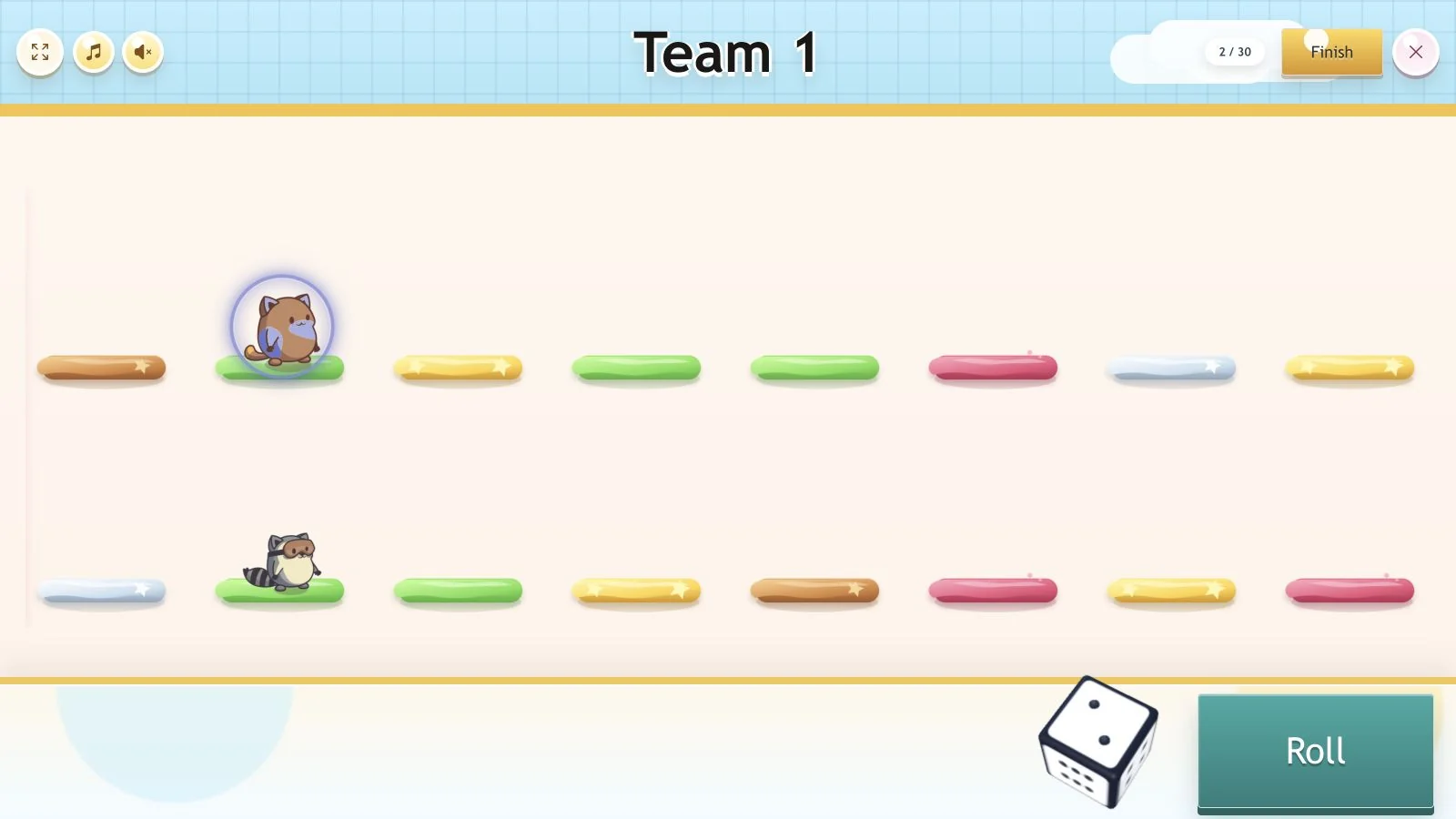
Class race
Pair answer rounds with a colorful race that works well on a shared screen.
Request a game, suggest a better prep tool, or vote for ideas that would help your class. Follow progress on the public roadmap.
Everyone can browse. Voting and requests are included with paid plans.
Practical answers about live, online, and interactive classroom games in Kaboosh.
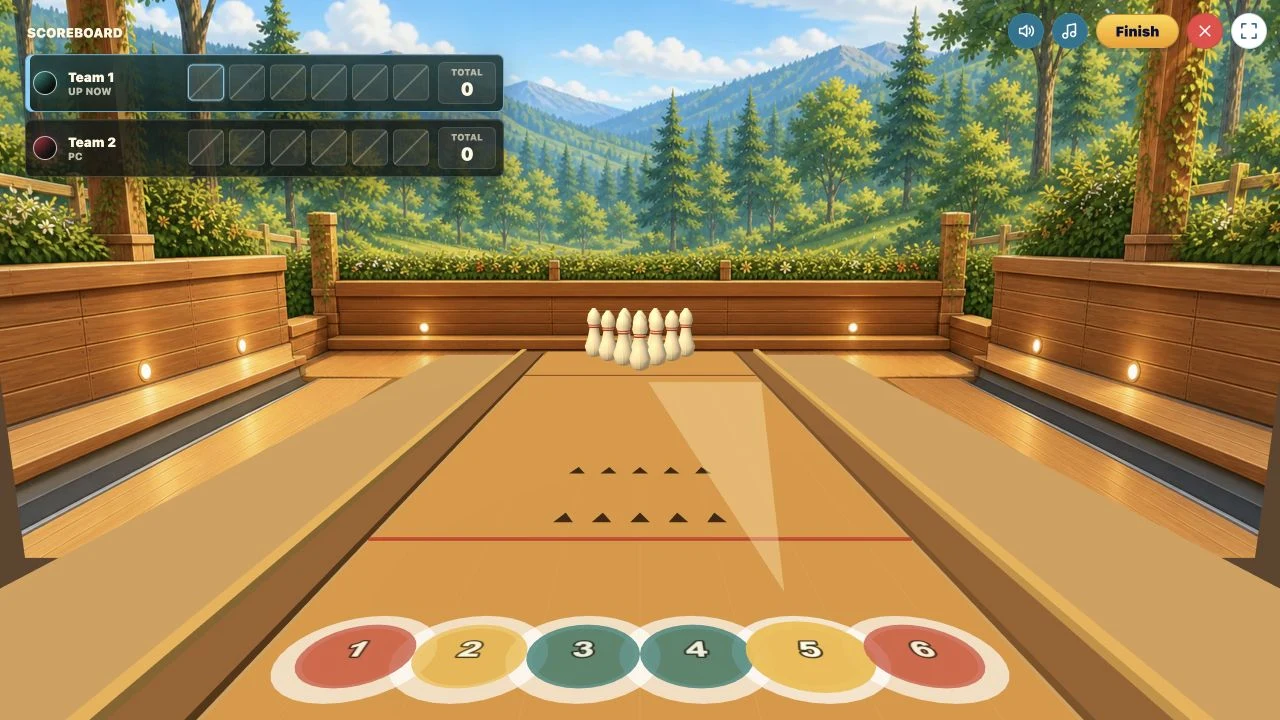
Kaboosh includes arcade and board-style games such as Asteroid Type, Plinko, Bowling, Snakes & Ladders, and Hop Race, plus learning activities for typing, matching, multiple choice, speaking, writing, words, and sentences.
Selected live activities let students join with a room code from their own devices. Other games work as teacher-led activities on a shared classroom screen or as individual practice.
No. Teachers can use them for lesson starters, formative checks, vocabulary and spelling, concept practice, end-of-topic review or revision, and follow-up learning at home.
No. Create, import, or choose a deck once, then route that same content into different games, learning activities, homework, flashcards, and spaced practice.
Yes. Try Carrot Garden, Plinko, or Tower Defense with Country Flags already loaded in your language. Each short demo starts without an account and includes learning questions.
Try a game for free, then bring your own questions when you’re ready to teach.